Get a proven board out of Claude
Everything here works today. Two minutes to connect, one sentence to your first board.
SETUPConnect in 30 seconds
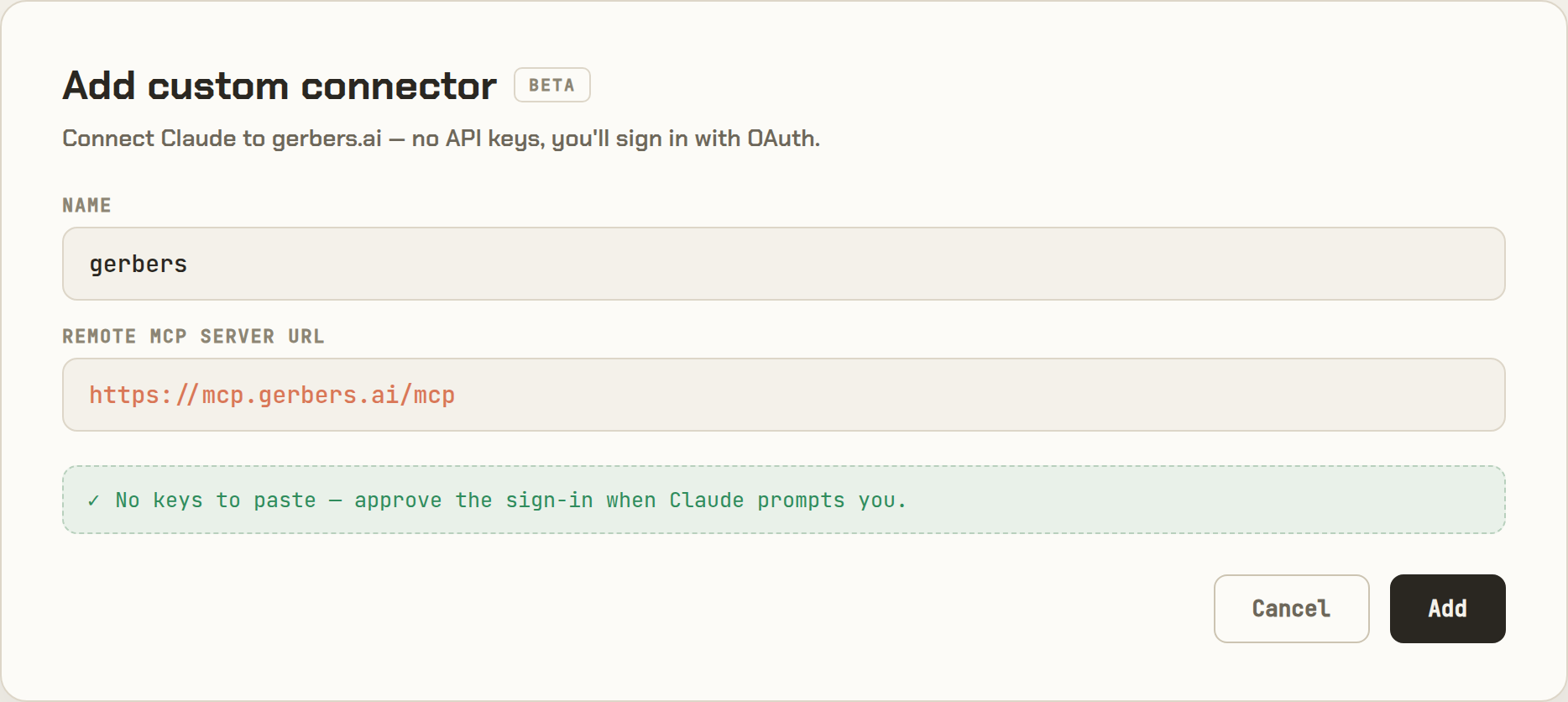
From the terminal (Claude Code, or any agent that speaks MCP):
$ claude mcp add --transport http copperlayer https://mcp.copperlayer.ai/mcp
FIRST BOARDWhat to ask for
Describe the job, the power in, and anything you care about (connectors, indicators, temperature range). You don't need to know part numbers — it picks real, in-stock parts and proves the design around them. Prompts that work today:
THE GATEWhat "proven" means
Before anything exports, a solver checks the design against real datasheet limits. Not a lint pass — a proof. If an obligation can't be proven, the board is refused with that obligation named, and the export tool won't run on it.
Honest scope: the gate proves static DC behavior today — not PWM or switching transients. Parts come from a curated catalog; a part outside it can still be used by adding its datasheet in-chat (the proof is then marked conditional on that data).
OUTPUTWhat you get
- Gerbers + drill files — the package any fab accepts (JLCPCB-dialect BOM and CPL included).
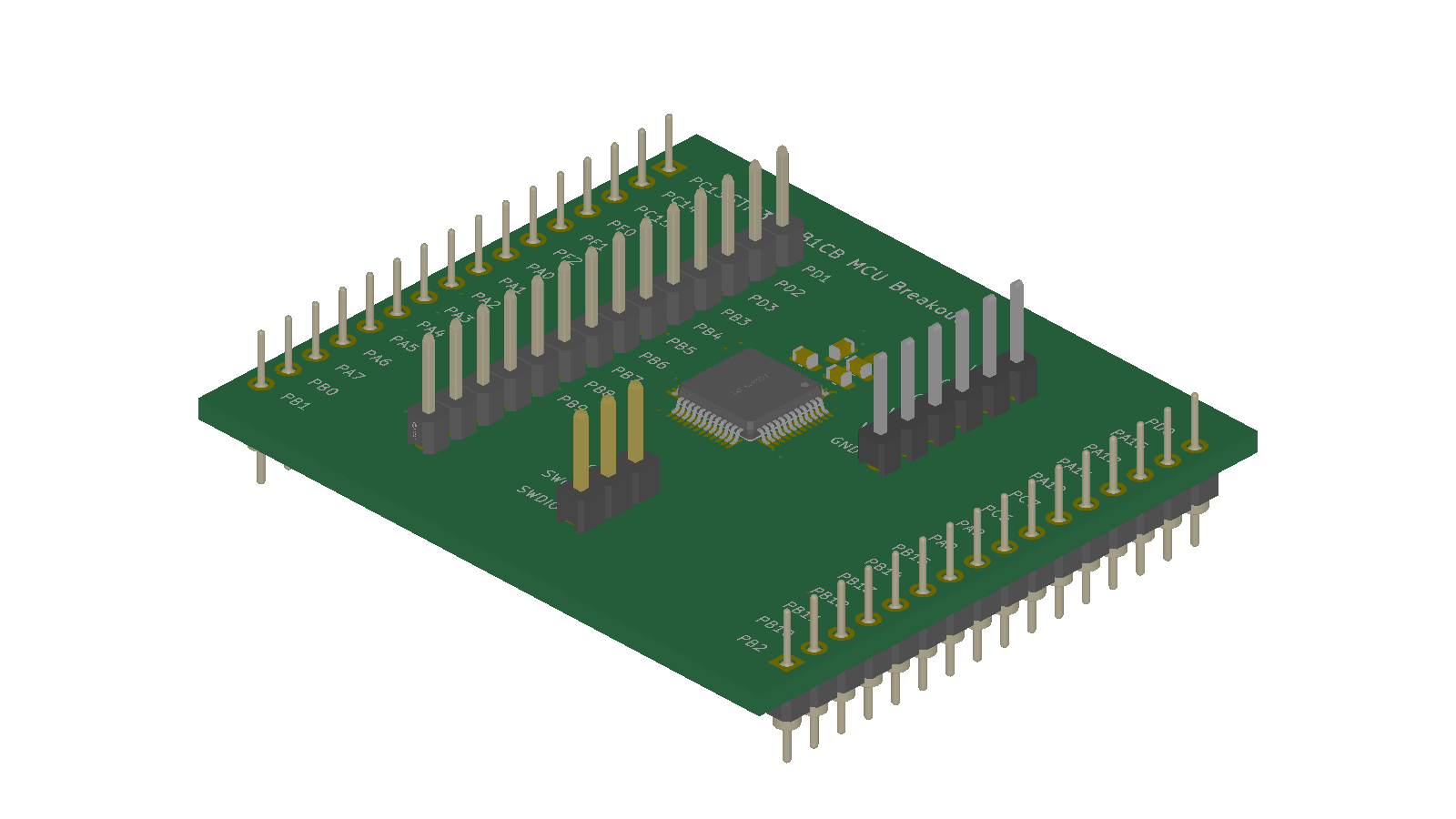
- Populated 3D model — a portable GLB in addition to the live in-chat view.
- Product datasheet — proof-backed claims only, with no invented specifications.
- Panelized package on Pro — panel Gerbers, drill, BOM and placement files.
- Editable PCB projects on Pro — KiCad, EasyEDA, or Altium packages with project-local footprint, model, and 3D assets.
- BOM with real parts — LCSC part numbers, in stock, priced.
- Live 3D view — orbit the board in the chat.
TROUBLESHOOTINGCommon connection and board errors
-
Connector does not appear. Confirm the server URL is exactly
https://mcp.copperlayer.ai/mcp, then remove and re-add the custom connector so Claude refreshes its tool list. - Sign-in loops or returns to Claude disconnected. Allow pop-ups for Claude, complete the Google consent screen in the same browser, and reconnect from Settings → Connectors.
- Subscription required. Open the account link returned by the connector, finish checkout, then reconnect so Claude receives the tools available for the active plan.
- A board is refused. The response names the invalid source line or unmet electrical, placement, or fabrication obligation. Correct that specific issue and validate the same project again.
- Rendering is pending. The server-side job continues after the initial response. Keep the project and revision unchanged while Claude polls the existing task or retries after the suggested interval.
- Still blocked. Email Send feedback with the project name, approximate time, and complete error text. Do not include passwords, API keys, or unrelated conversation content.
BILLINGPlans
Maker is $79/mo and includes Gerbers, 3D, and the product datasheet. Pro is $249/mo and adds editable KiCad, EasyEDA, and Altium PCB project packages. Much faster Pro builds are coming soon.
Enterprise adds local Claude Code/MCP use plus a VS Code/Cursor extension for
.board editing and live preview. BYO Claude means no per-token bills. Full pricing is on
the homepage.
A payment card is required. See checkout for the first billing date. Plans renew monthly. Cancel through the billing portal.